Extracting a file is definitely an action most people do at least once a day (on average) on their computers. People who deal with compressed files a lot, would definitely benefit from the fact that simple and useful archive managers exist.
A clean and open-source foundation
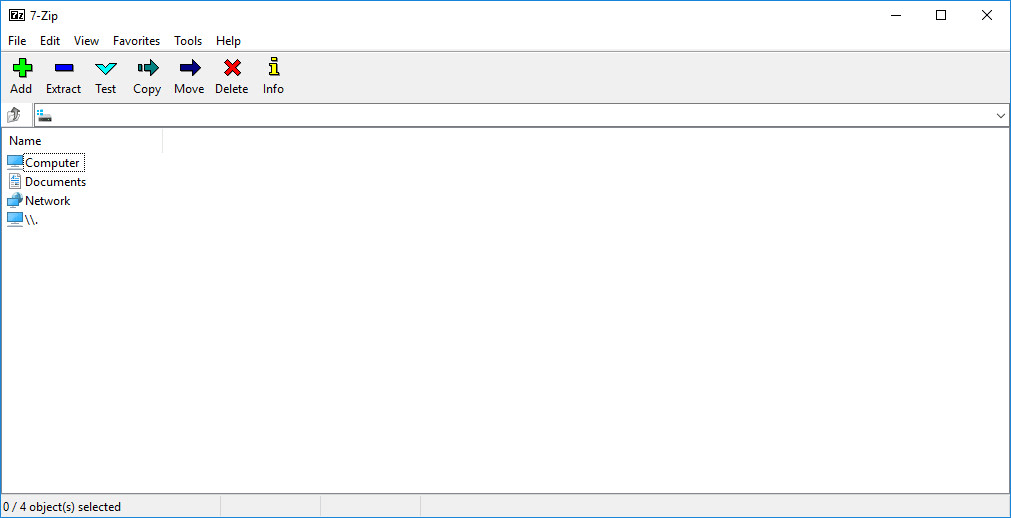
7-Zip has been around for a long time. It's a completely free, open-source archive manager, which is simple to use with a clean interface. The main interface window consists of a file browser, which you can use to add files to a new archive.Context menu integration and format support
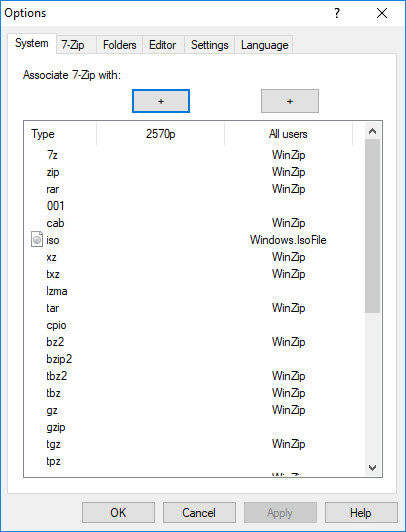
7-Zip integrates itself in right-click context menus of Windows Explorer, enabling you to quickly add files to an archive or to extract one. The list of file formats supported by 7-Zip is impressive to say the least, although there are far more formats which are supported only for unpacking.Navigating the archive settings
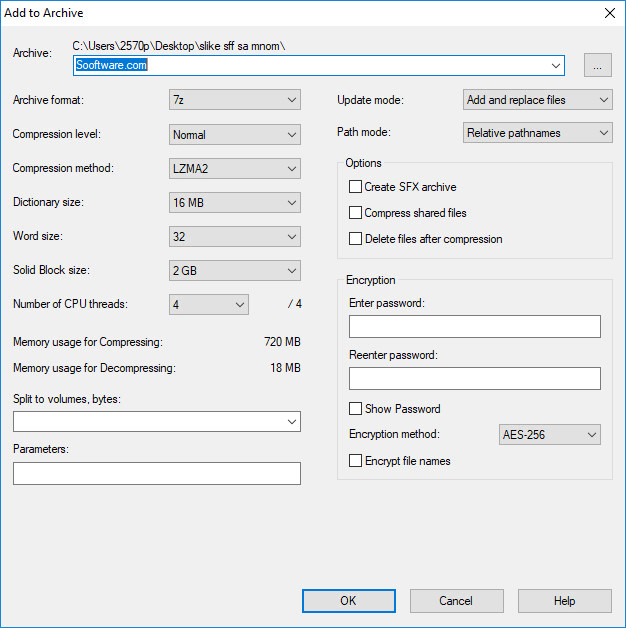
After you choose files to add to an archive, you are presented with a window consisting of several options to choose from. Unfortunately, most of these options sound impossible to understand, but you don't have to worry about that.Encryption and self-extracting files
You can easily split the archive into several files, or add a password in order to encrypt its contents. The 'Create SFX archive' option is quite useful as well, as it enables you to create an executable file which automatically extracts itself when run. This ensures that you can send the file to anyone without having to worry about what software they have installed.A highly capable free solution
Unfortunately, you can't create a .RAR archive, but the .7z file format is widely accepted. 7-Zip can be used within a command-line interface as well, and we also love the fact that it's completely free and available for use in commercial environments.